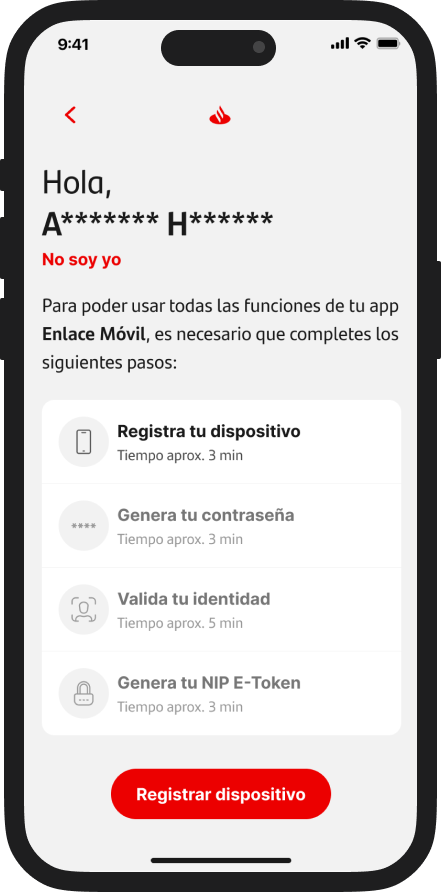
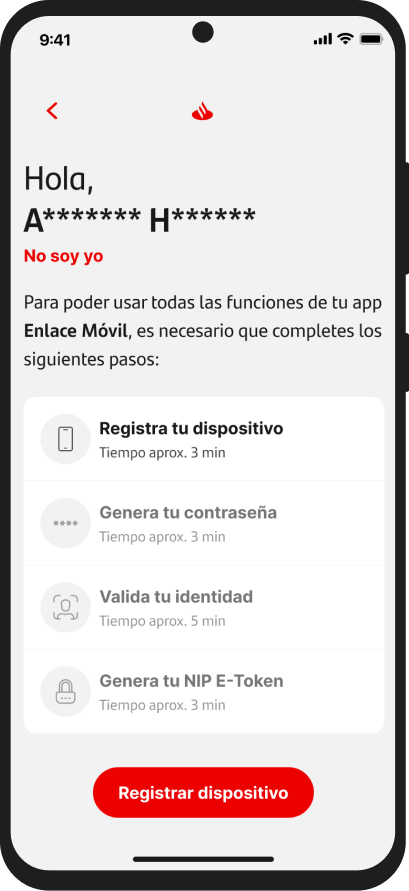
Biometric Token Activation
Helping users activate their digital token through identity validation.
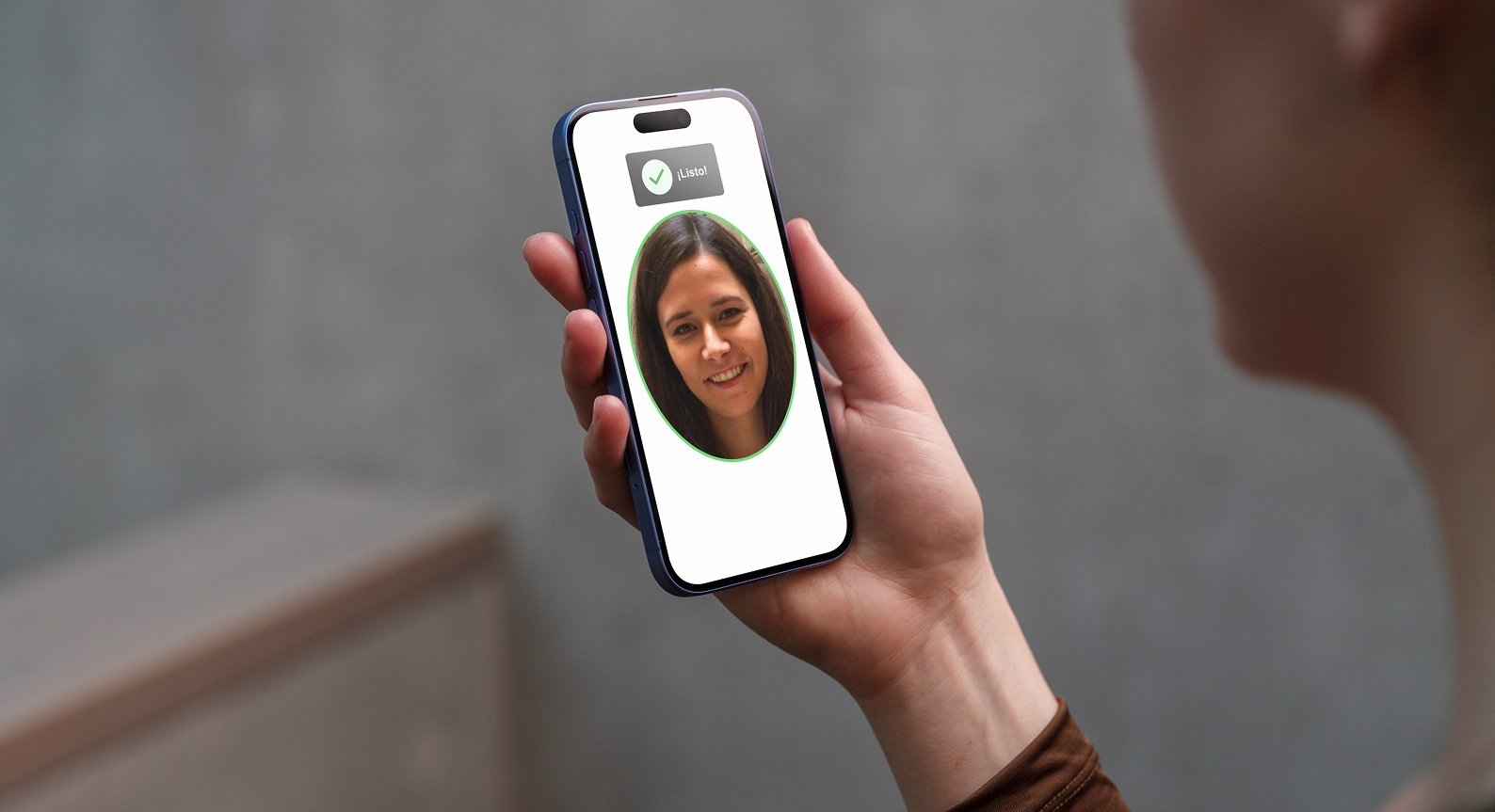
I designed the biometric identity validation flow required to activate the digital token in Santander Empresas. The experience guided users through ID capture, selfie verification, and consent as part of a secure onboarding process.
The challenge was to make a sensitive security step feel clear and trustworthy — helping users understand what to do, why it was needed, and how to recover from possible errors before activating their E-Token.
The flow
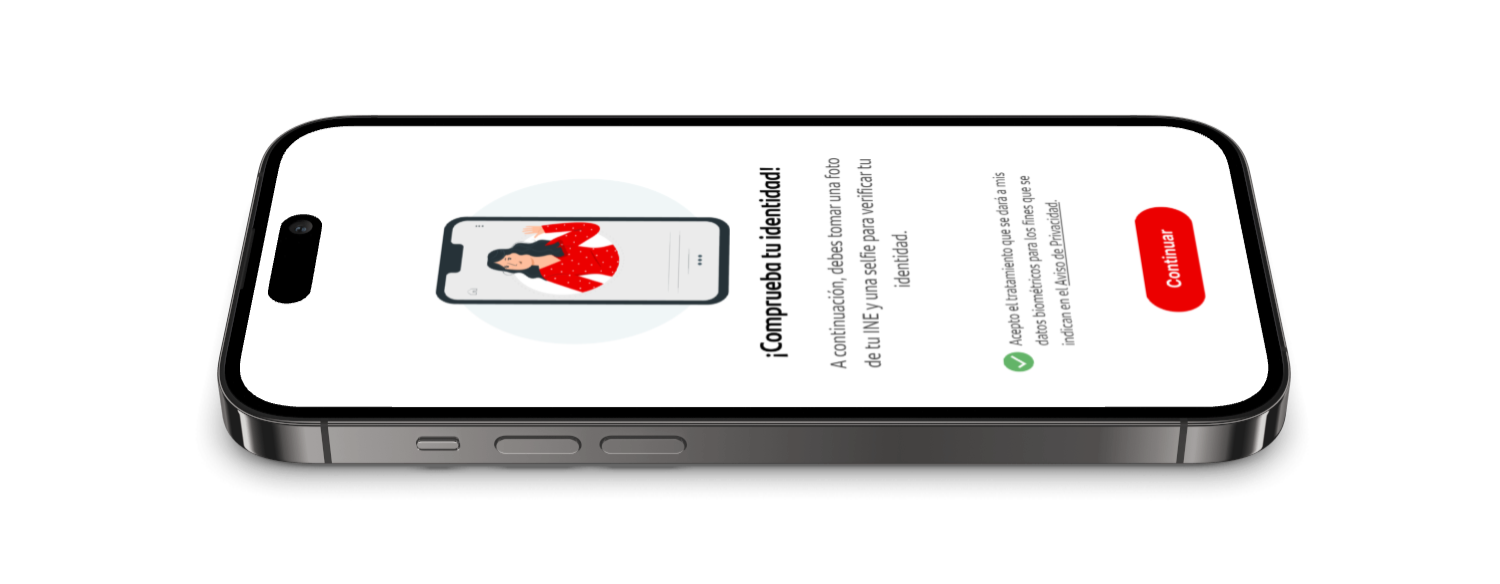
Users understand why ID and selfie verification are needed.
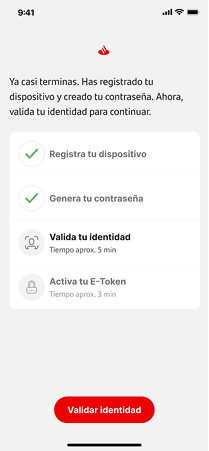
Users accept the use of biometric data before continuing.
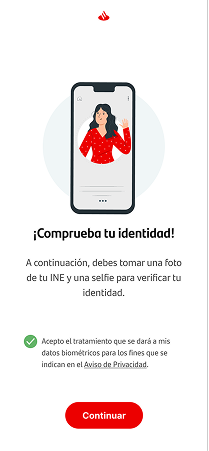
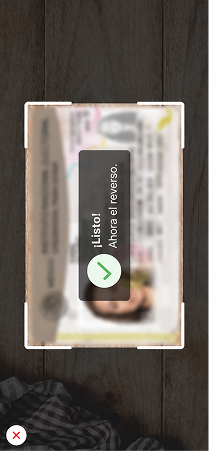
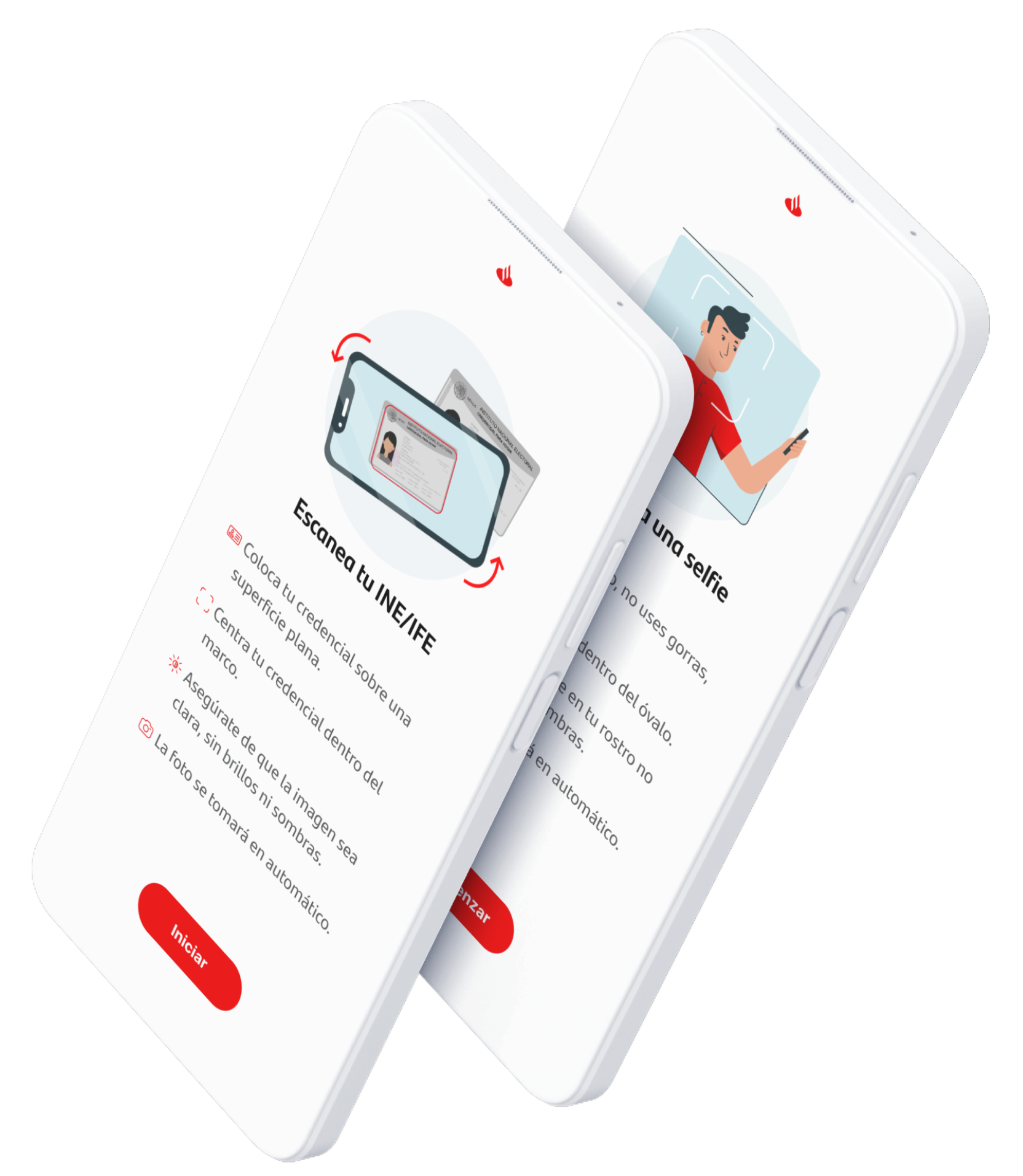
Users scan the front and back of their INE/IFE.
Users take a selfie following clear capture guidelines.

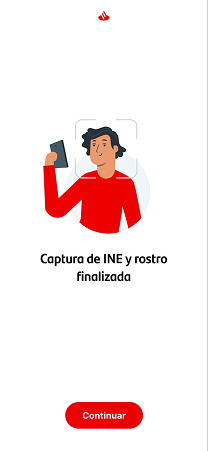
The experience ends with a success screen.
Edge case coverage
We mapped possible interruptions, retries, loading states, failed captures, and validation messages to support users beyond the ideal path.
Outcome
The experience helped users complete biometric validation and E-Token activation through a clearer, more guided flow — reducing uncertainty during one of the most sensitive moments of the onboarding journey.
Simplifying first-time setup for new users
Designing a guided onboarding journey that helps new users complete multiple security and configuration steps with clarity and confidence.
Completion Rate